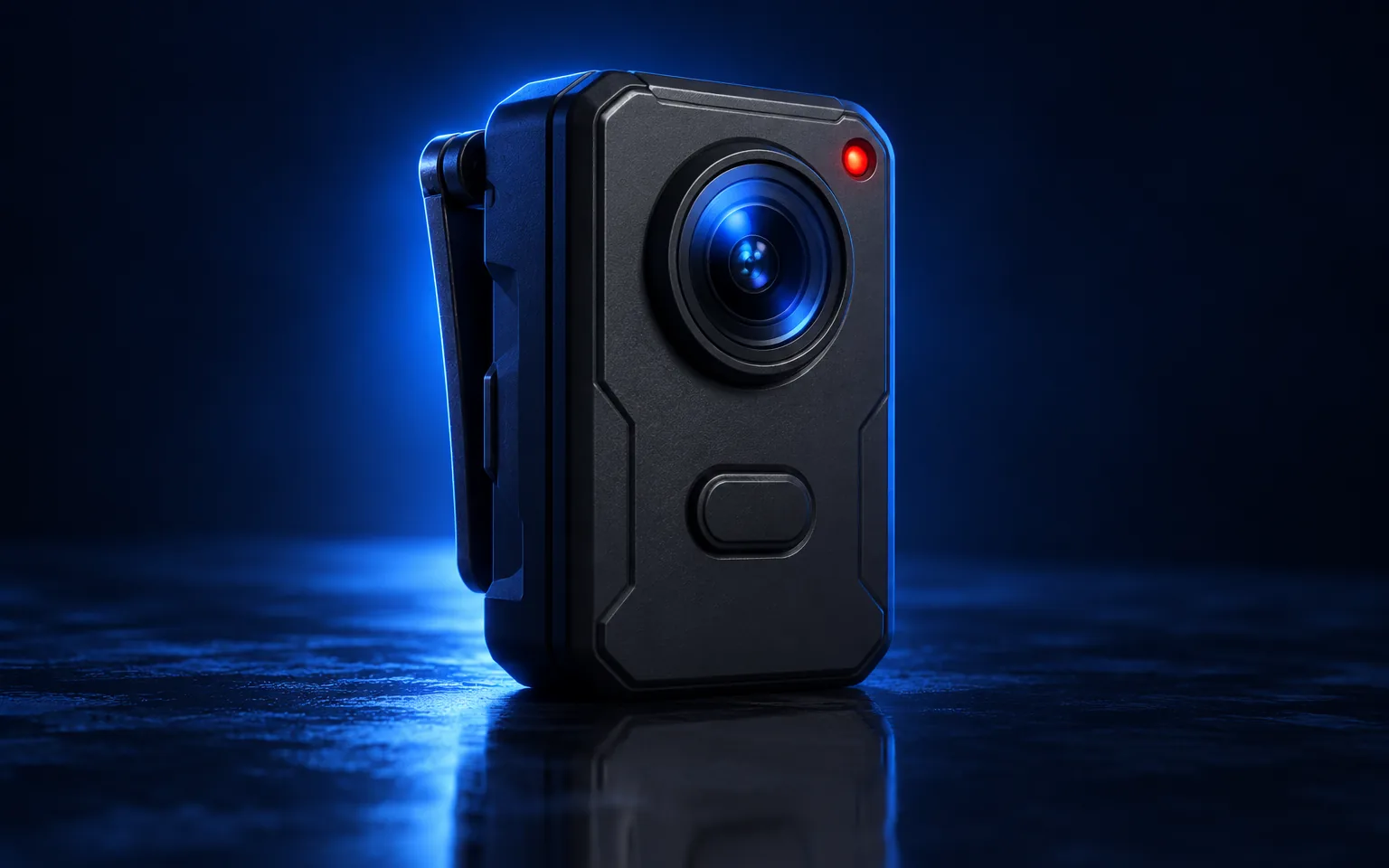
Sentry 4 Pro
Already recording.
A body camera with a two-minute memory, a full-shift battery and a lens that sees in the dark. It starts before anyone reaches for it.
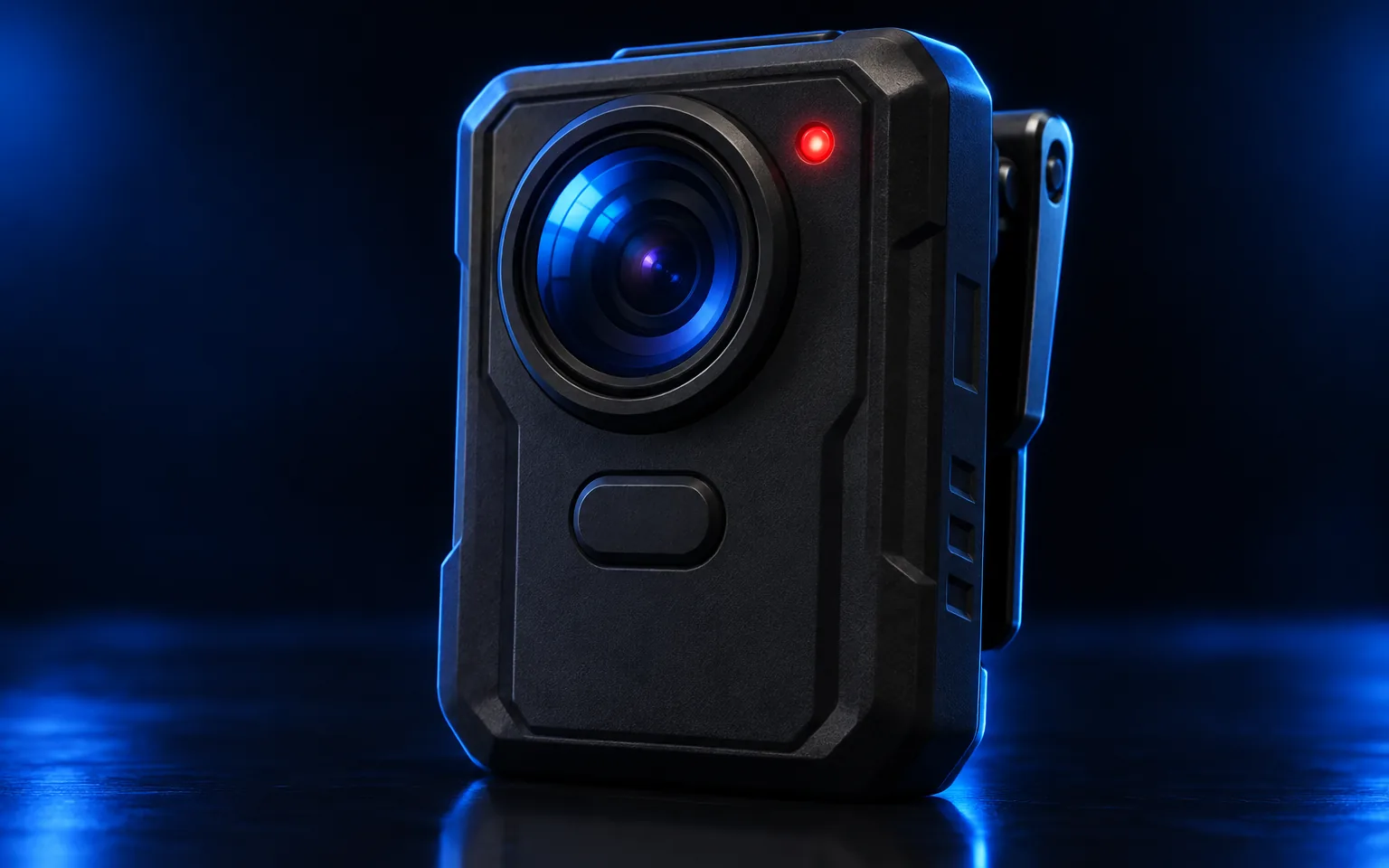
Sees what happened. Remembers what came before.
A wide f/1.8 lens and a low-light sensor capture faces, plates and hands at night. The last two minutes are always in memory.
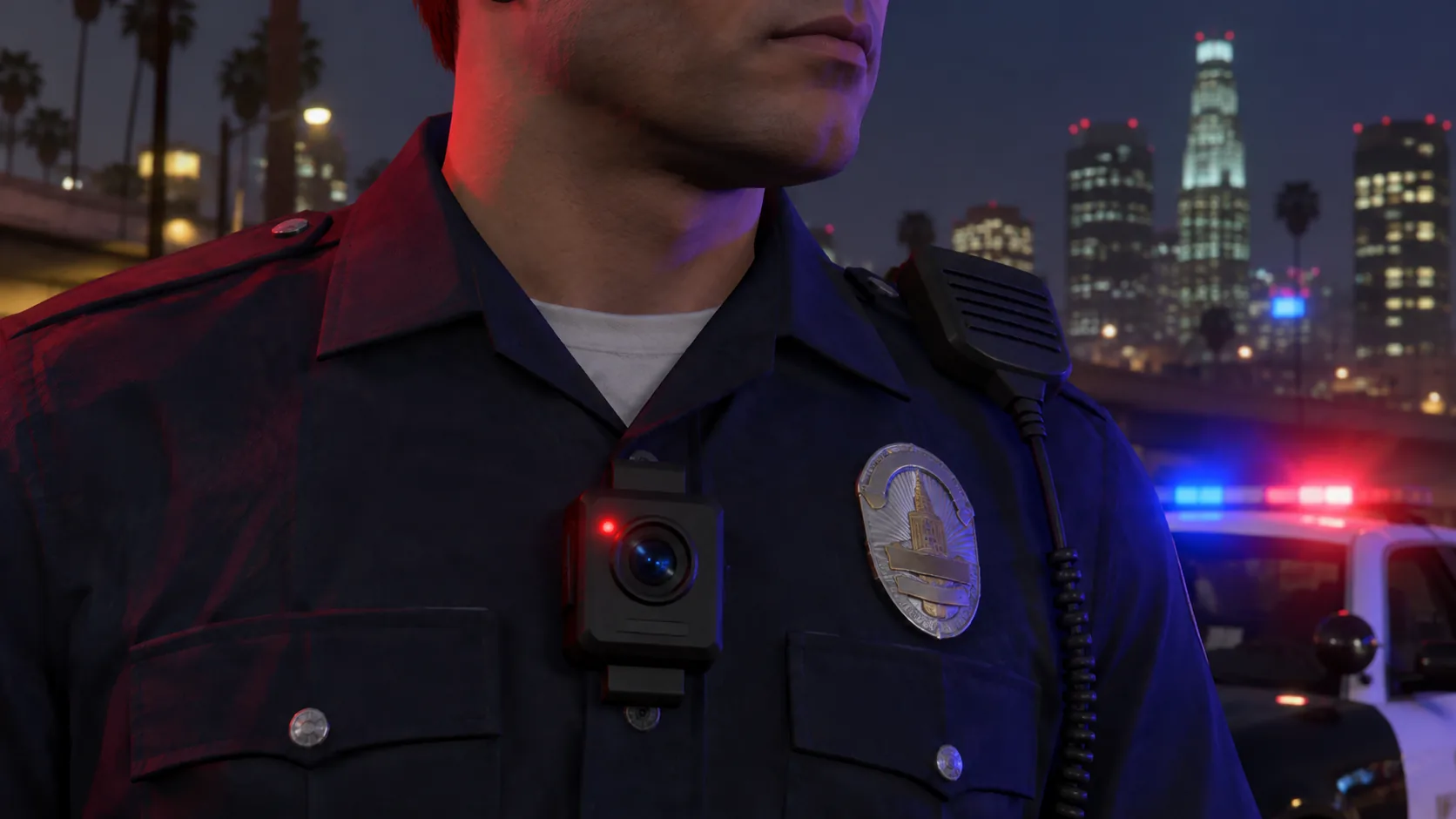
Field-built
Made for the chest, not the shelf.
A magnetic clip holds through foot pursuits. The housing is rated for rain, dust and a two-metre drop. One button, big enough to find with gloves on.
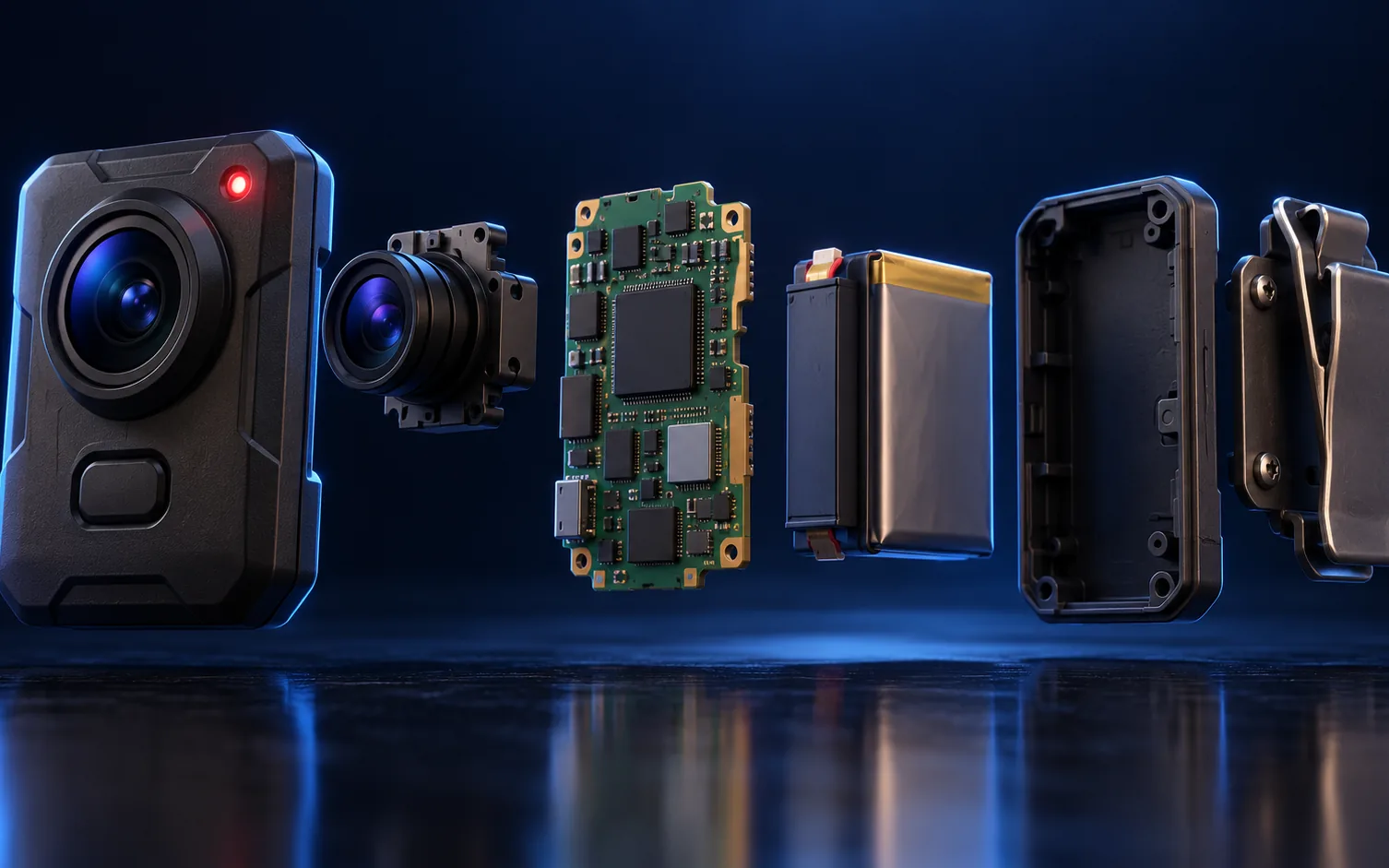
Everything in its place.
Six parts. One sealed record.
What is inside
- Lens assemblyWide f/1.8 glass with a hydrophobic coating.
- Buffer memoryTwo minutes held at all times, overwritten continuously.
- Signal radioWakes on a holster, light bar or Arc event.
- Hash chipSigns every file before it leaves the device.¶
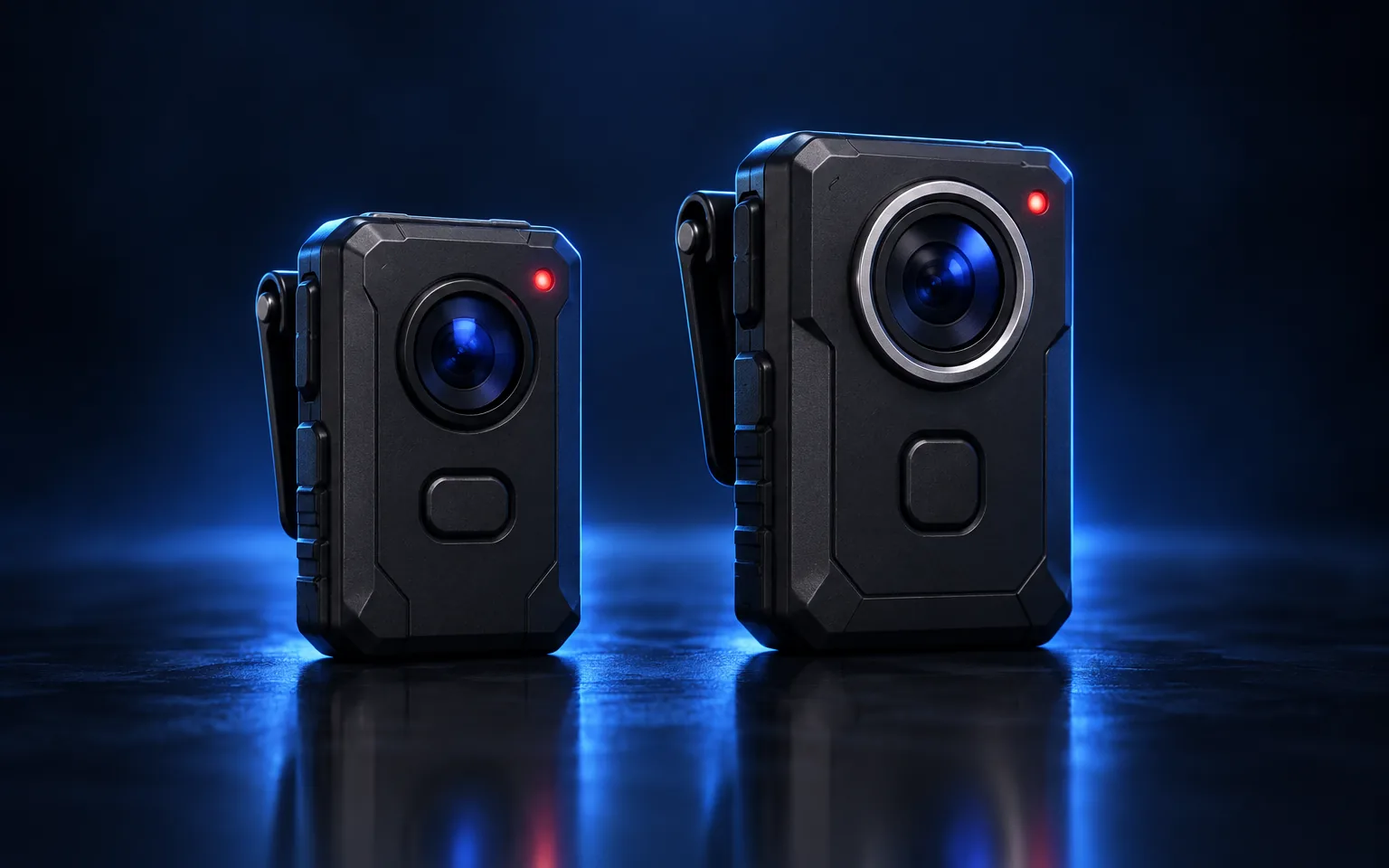
Two models. One record.
Sentry 4 for every officer. Sentry 4 Pro for the ones who need more.
Specifications
| Specification | Sentry 4 | Sentry 4 Pro |
|---|---|---|
| Video | 1080p, 30 fps | 1440p, 30 fps, low-light mode |
| Pre-event buffer | 60 seconds | 2 minutes, 5 minutes with Premium Buffer‡ |
| Battery | 10 hours§ | 12 hours§ |
| Storage | 64 GB | 128 GB |
| Live stream | Via dock only | Dendrix Connect1 |
| Quiet Mode | Supported | Supported, with remote enable2 |
| Weight | 142 g | 149 g |
| Signal activation | Supported | Supported, up to 4 seconds3 |
Built with officers.
Features added at the request of the officers who wear Sentry every day.
- MutePauses audio for up to 90 seconds for private conversations. Each mute is logged.4
- Restroom ModeRecording stops inside restroom areas mapped by your agency.5
- Lens WatchNotes on the timeline when the lens is covered by a hand, a hat or a pocket.
- Angle AssistA soft vibration when the camera has pointed at the ground for more than ten seconds.

A day in the life of a shift.
Sentry 4 Pro across a typical patrol shift.
Dock sync
Firmware, policies and the officer assignment load from the dock. The overnight upload completes.6
Shift start
The officer undocks. The pre-event buffer begins. Battery reads 100%.
Signal activation
A holster opens on scene. Three Sentry cameras in range begin recording, each saving its two-minute buffer.
Recording ends
The officer ends the recording. The file is tagged with the incident number from Hivemind.
Dock
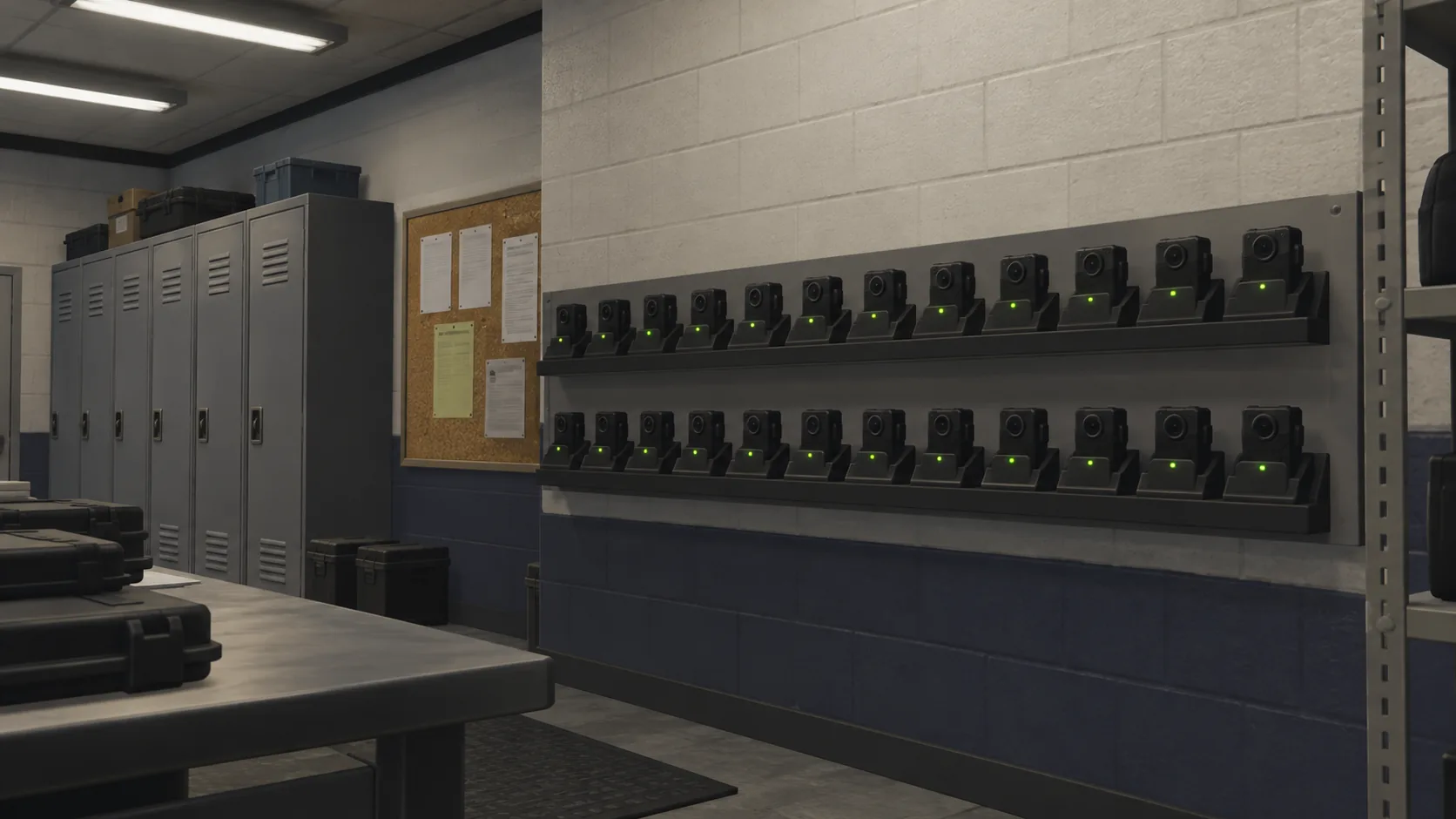
The camera docks, charges and uploads to Dendrix Evidence. Custody begins.
Frequently asked questions
Does Sentry record all the time?
Sentry buffers continuously and records when activated. Buffered video that is not saved is overwritten every two minutes.
Can an officer turn Sentry off?
Sentry can be placed in standby or Quiet Mode according to agency policy. Each change of state is recorded in the device log.¶
Is Quiet Mode recording?
Quiet Mode is designed to support your mission.2
What happens if the battery runs out?
Sentry saves the current recording before shutting down. Footage up to the last saved segment is preserved.
Can the public request Sentry footage?
Requests are handled by the agency that owns the footage. Dendrix supports agencies through the public records workflow in Dendrix Evidence.
What happened to Sentry 3?
Sentry 3 remains supported. Agencies are upgraded to Sentry 4 at their next hardware refresh. See the statement on recording gaps.
Do officers like Sentry?
In our 2025 field survey, 91% of officers said Sentry made them feel safer and 74% said it made them feel watched. Both numbers rose from 2024.7